
There are two different area's the Patient can join a call. below you will see how they join a call via besa Health Patient app and through Zocdoc.
besa Health Patient app:
The Patient will click on the Appointment card from their home page > Visit information will show > Patient will click Enter waiting room. (Please note, the Patient must accept all permissions in order to join such as audio and video)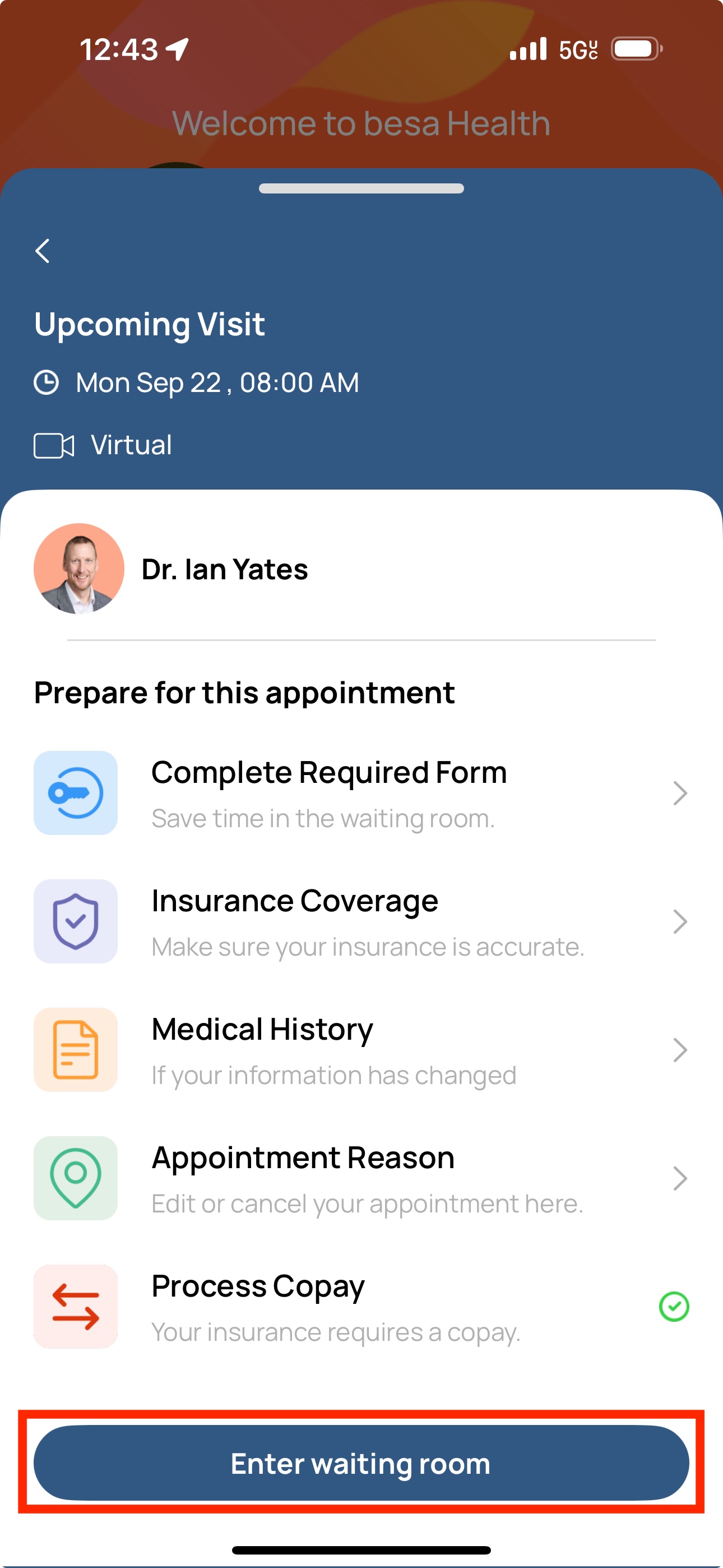
Zocdoc:
The Patient should have received an email with a link to access the Zocdoc waiting room. In the case they are not sure how to access it, you can send them the link and join them here. 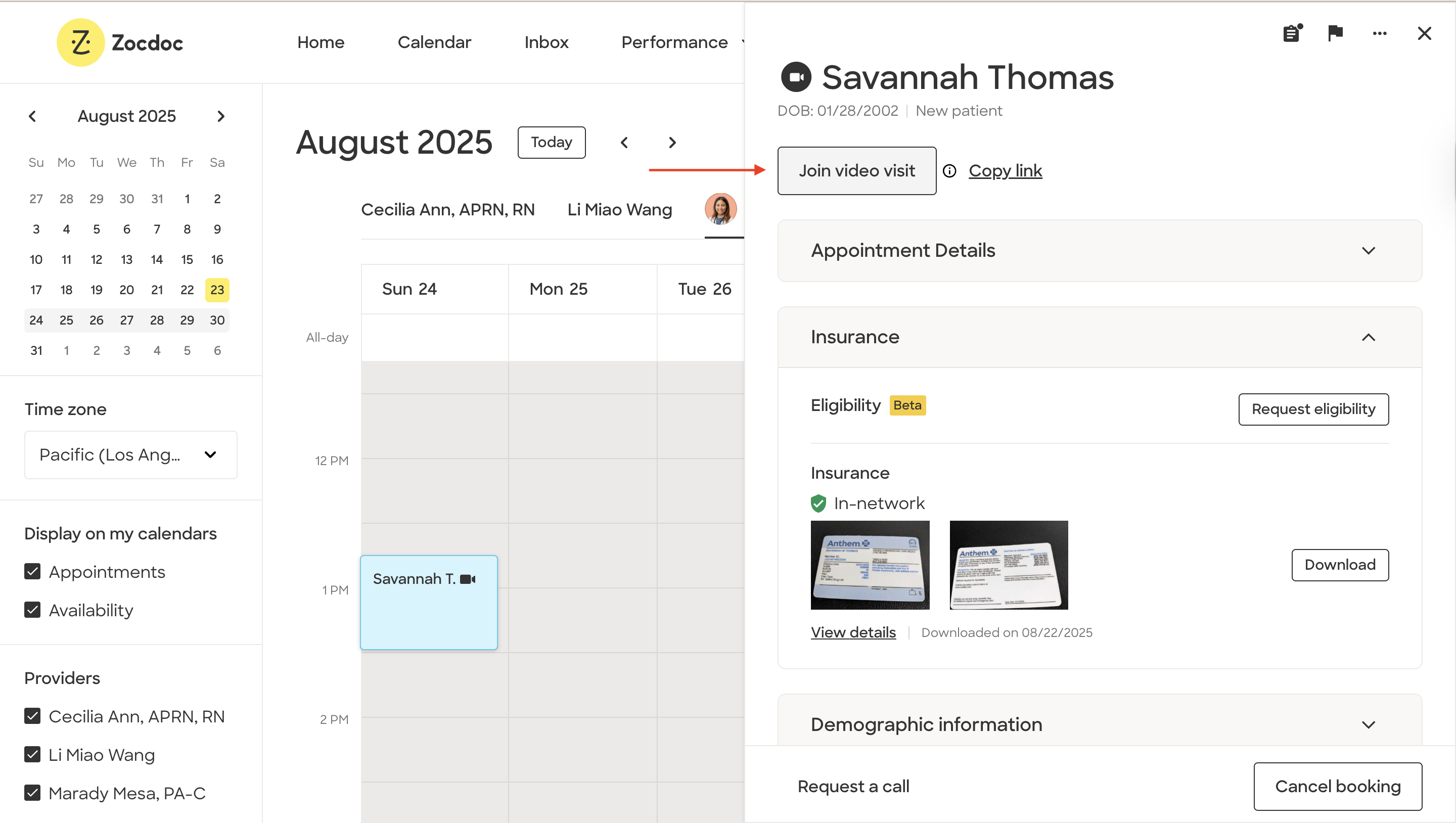
Comments (0)