
Making sure you know how to navigate the system and know what happens from certain triggers is super important. Understanding the system is necessary to give an effective encounter and properly help your teammates. Because our production server has live data in there for Patients, when we are training and testing, we will need to turn on and use the dev server to test. Look below at the details on how to do that.
📚Resources Needed
🚀 Tips & Tricks
- If you’re logged into the Admin chrome account, you will be able to use the prefill username and password to sign into Postman (Developer@besahealthcare.com).
- A staging environment is there to test things before it goes to the live server and everyone experiences the features and functions. It also allows you to catch issues before it reaches and is experienced by everyone.
- Click around, create things, edit things, do whatever you need to do to get comfortable using the system.
📘 Instructions
- We always turn off the staging server when we are not using it to prevent unnecessary fees. To turn on the server, login to Postman.
- Go to the the endpoint Dev Start/Stop Automation
- Start
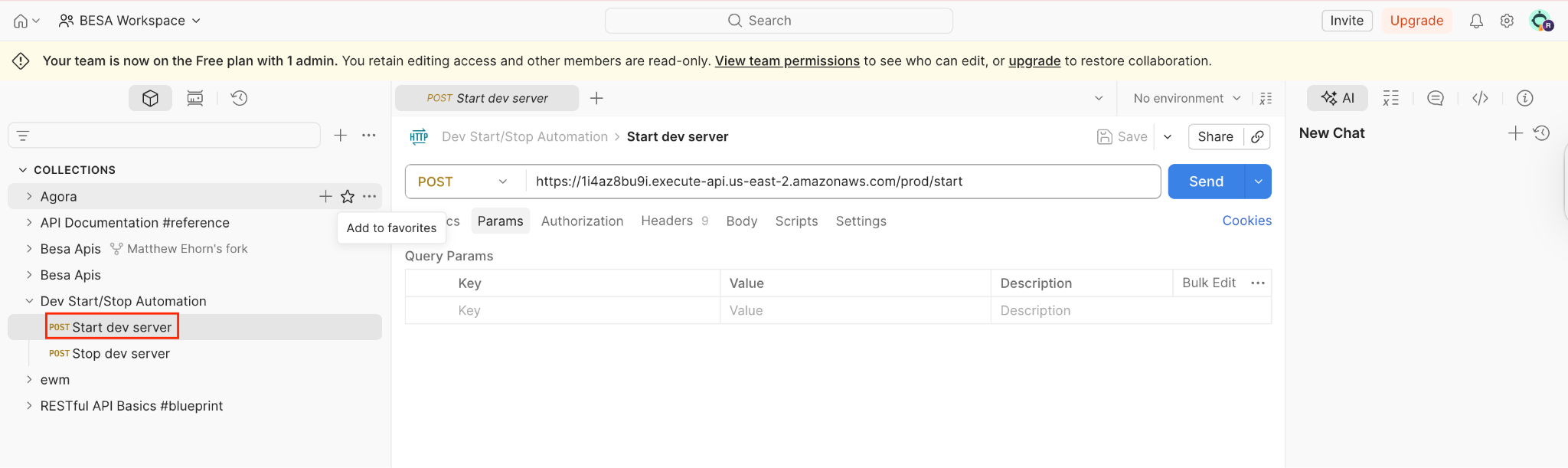
- Start
- Press Send. This will turn on the server. Give it about a minute to turn on.
⚠️You turn off the server by going to the Stop endpoint and clicking Send.
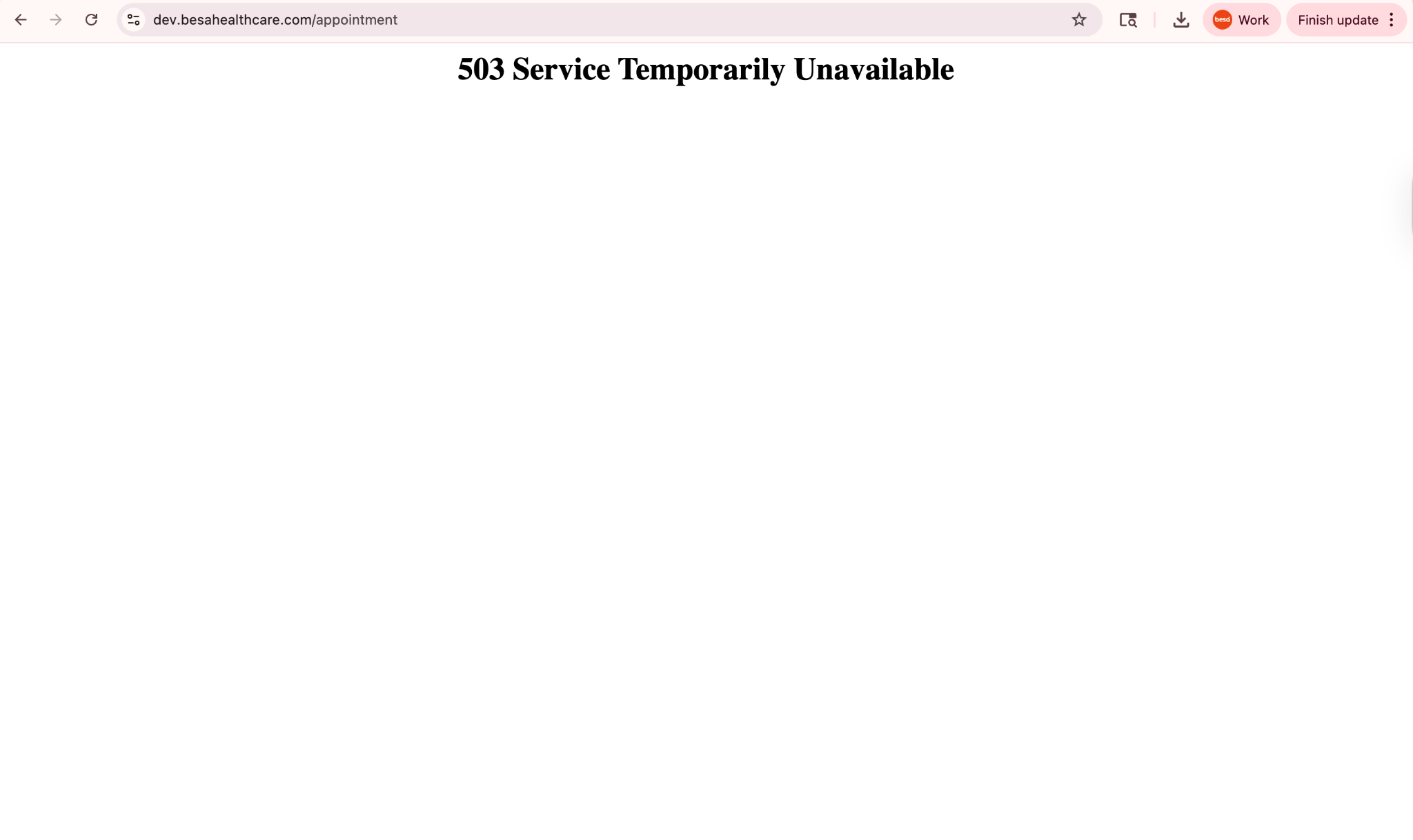
- This is how it looks when the server is not on.
- When the server is on, you will be able to see the login page.
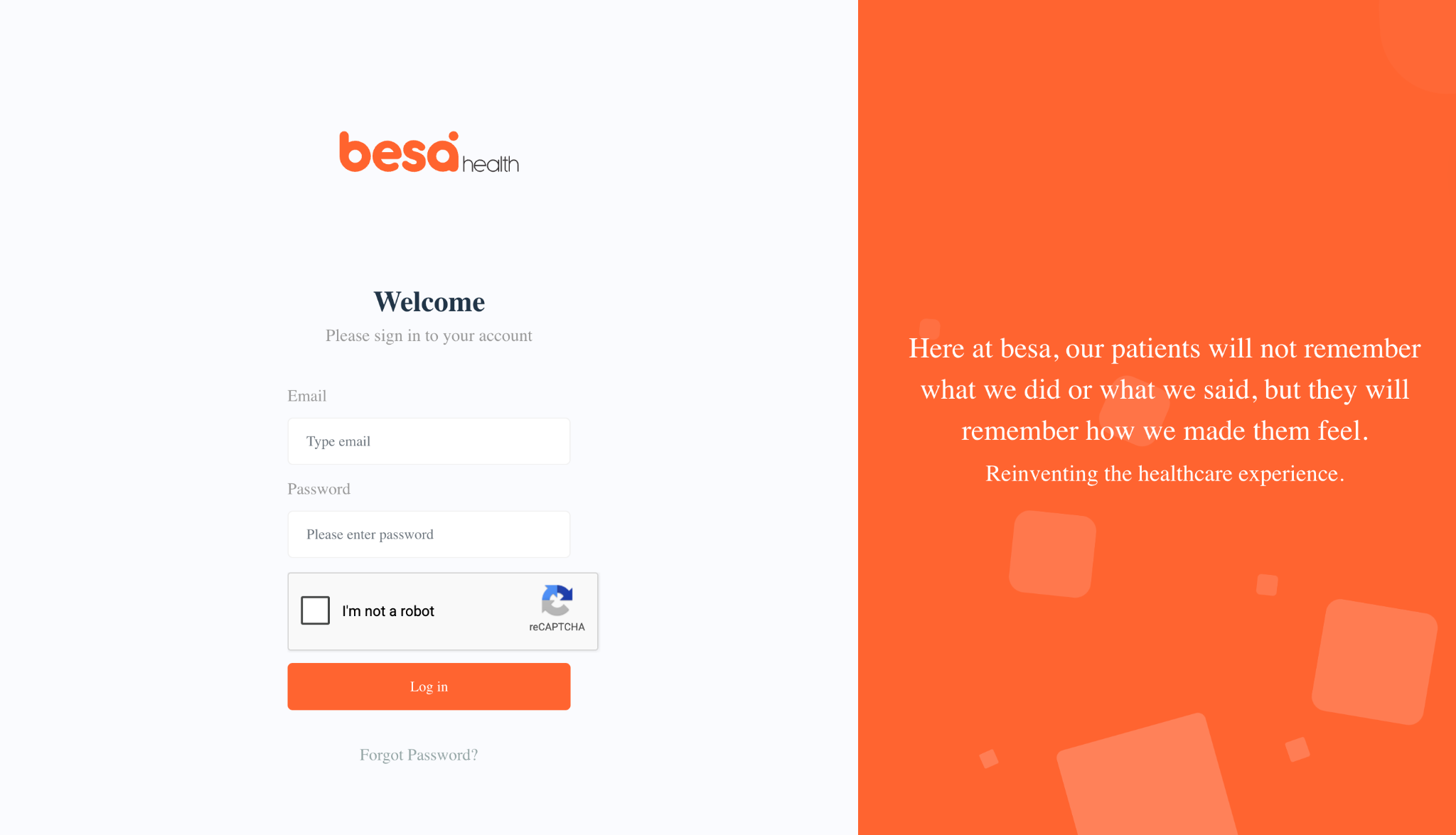
- Login to besa EHR using the following credentials:
- daviddavidson@besahealthcare.com
- besaHealth
- Now that you’re in - start clicking around!
- If you’re not using the server anymore and no one is going to be using it after you, be sure to turn it off.
If you have any questions or would like more information, please comment in this article.
Comments (0)